Chitchat – Chat Platform | Desktop App Figma UI Kit
Chitchat is a smart, secure, and lightning-fast desktop app built for developers, teams, and individuals who want to create dynamic chat experiences. Whether you're launching a support system, growing an online community, or building a private messenger, Chitchat gives you the tools to do it all - effortlessly.



Main features include
- Design system
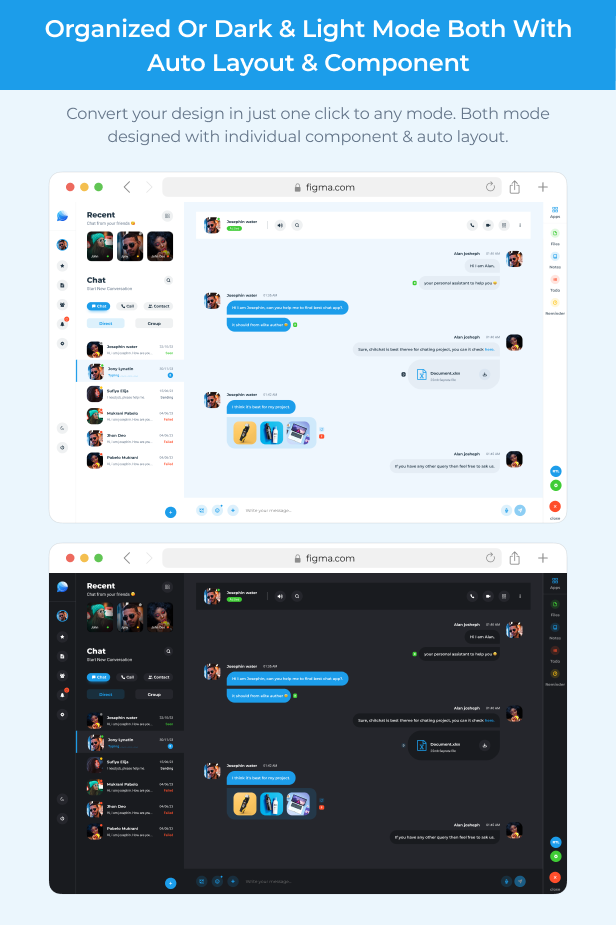
- One-click dark & light mode
- Home page
- Clean & modern design
- Great UI/UX
- Fully customizable design
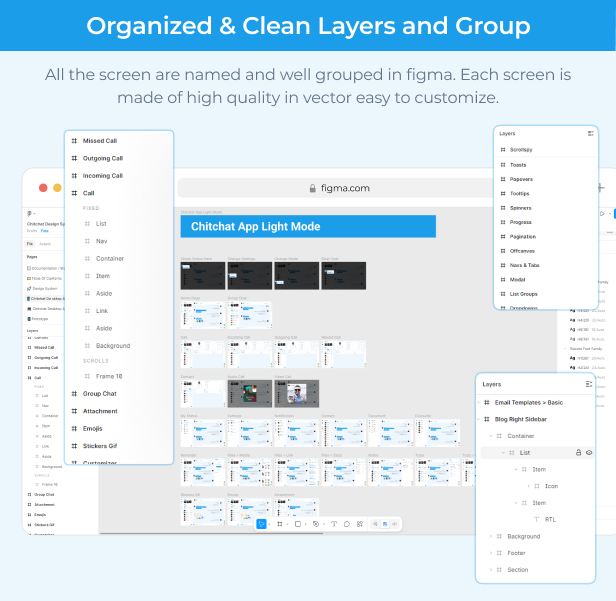
- Organized layer with name
- User-Centric design
- Easy to customize
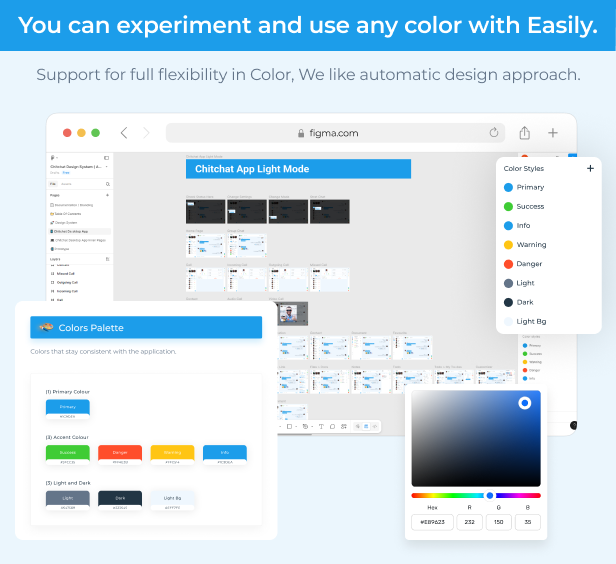
- Colour & text variables
- Organised icons & components
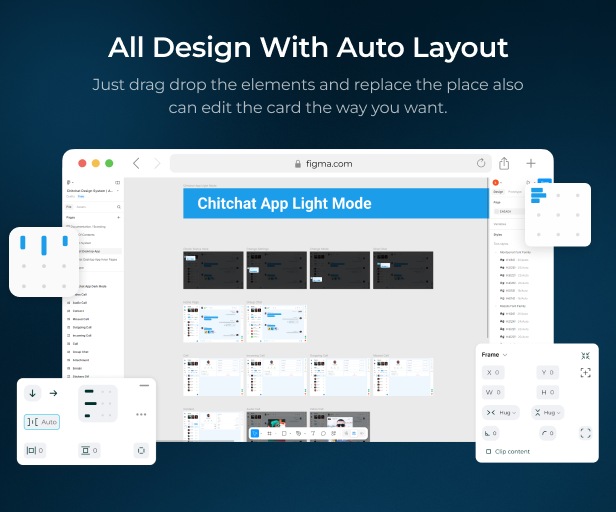
- Auto layout
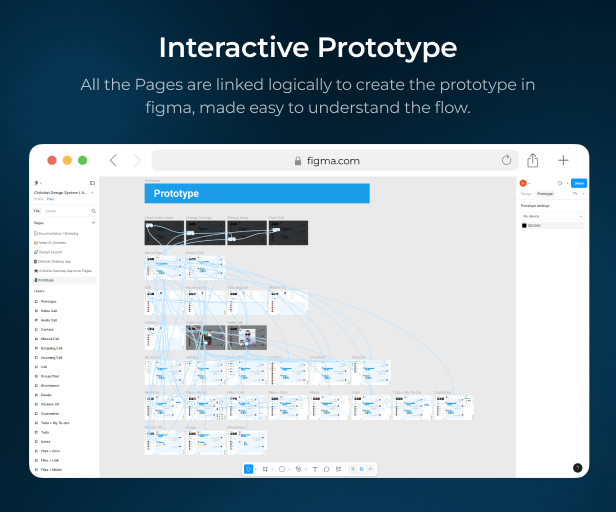
- Advanced-level prototype
- Pixel perfect
- Screen’s interaction
- High resolution
- Prototypes
- Chitchat desktop app : 45+ screens (light & dark mode)
Figma files includes
- Light mode UI
- Dark mode UI
- Prototype of full app
- Cover image
The figma include –
- figma files
- Documentation
How to edit figma:
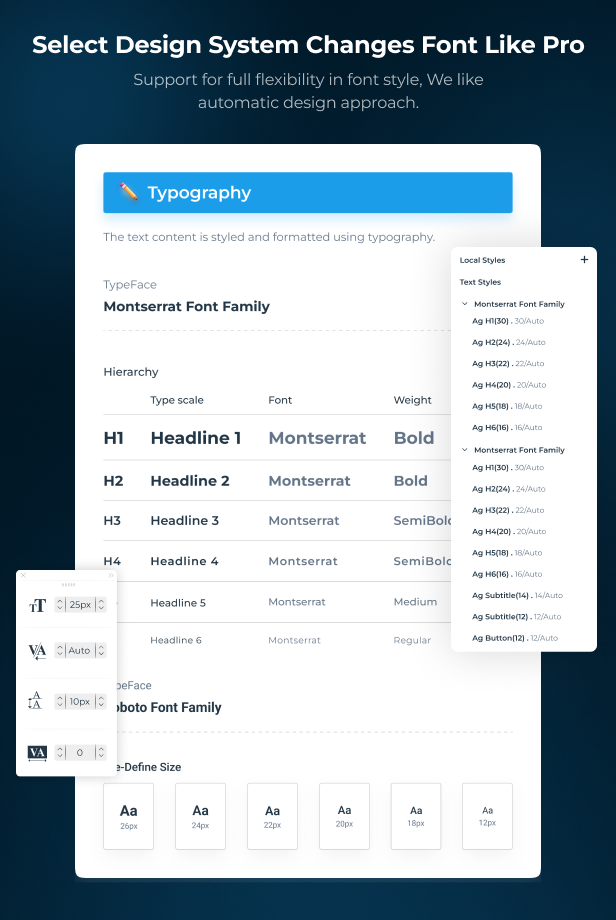
To modify the figma file, you must have Figma installed on your computer (and if you don't, click here to get it: https://www.figma.com/downloads/ Then, on the right side of the figma home page, click the "import button" to add the figma file. After importing a file, open it and you'll see the design system in the first page titled "Design system."You can change the colour and font of the entire program with a single click in the design system (if you don't have the mentioned font on your computer, you can get it from figma > Typography > "Download font") because of all of the design systems are built using auto layout and components, making it extremely simple to customise, layer, card, and many more. Then there is a second page labelled "Light mode & Dark mode" where you can see 60+ premium screens that are developed in detail.All of the screens have auto layout, so you may customise the order of each component. You can even add your own section, and it will change space automatically. Then, under the "Prototype" folder, pick "Splash screen frame" and click on the play button on the right side to have a real-time experience with the program. Where all of the screens interact with one other using advanced levels of animation, as well as to understand the user journey and where they will be redirected after clicking on specific buttons, or what type of error they would receive after any incorrect performance.
Font Used
Montserrat, Roboto
Icons Used
Iconsax, Icofont, Font awesome Icon
Note :
- We don’t offer a refund. (if theme is already downloaded)
- Please read the description and version compatibility content thoroughly before purchasing as we don’t offer a refund if you buy it by mistake.
All graphic images & Videos are used for demo sample only and NOT included in the purchase packages.